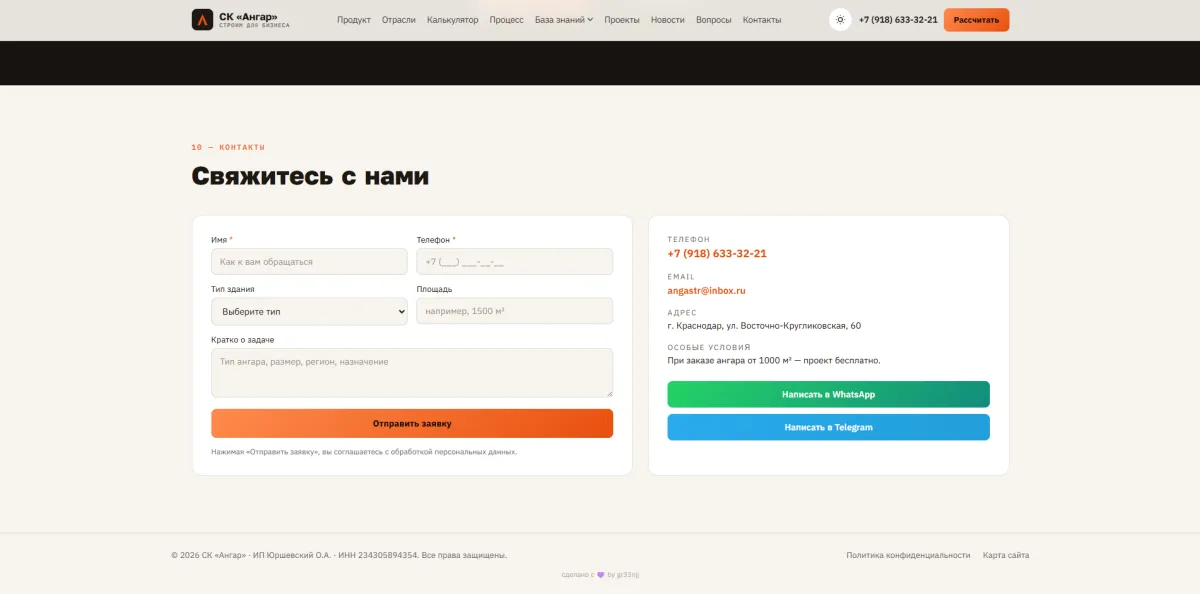
A landing page that outgrew itself into content infrastructure
skangar-landing started as an ordinary landing page for a construction company: build it, ship it, done. Later it became clear that for real traffic volume one page is physically not enough — dozens of cities and districts the company actually delivers to, and dozens of search queries a single landing page could never answer.

This is not a one-off landing anymore — it is a live content system serving real regional search intent for a construction company.
Growing without breaking what already worked
The landing needed to grow into content infrastructure without breaking what already worked:
- ◆landing pages for 75 cities and districts across Krasnodar Krai and neighboring regions — not template clones, but pages with real regional specifics (soil types, wind loads, local economy — viticulture here, rice farming there, a port somewhere else)
- ◆a “Knowledge Base” section — 13 articles with clustered internal linking, plus a glossary that grew organically to 37 terms alongside the articles
- ◆navigation and site structure had to be rebuilt around this new volume, not bolted on beside it
One generator, no copy-paste
Everything ran on a shared Python generator: one page_shell(), reusable helpers for schema.org markup and breadcrumbs, a single template for 75 city pages with targeted substitution of regional data. Brute-force duplication is a bad idea at this scale, so shared pieces — header, footer, FAQ markup — were factored out from the very start.
At some point the working copy of the generator itself got lost between sessions — only its output was ever deployed, never the generator itself. The process had to be rebuilt by hand: taking an already-published page as the reference and cloning it with targeted edits instead of blind regex replacement. Slower, but every edit gets checked before deploy — and not a single article shipped to production with a defect.
A good process rests on the discipline of checking, not on the tool — you can lose a tool, but not the habit of checking every deploy.
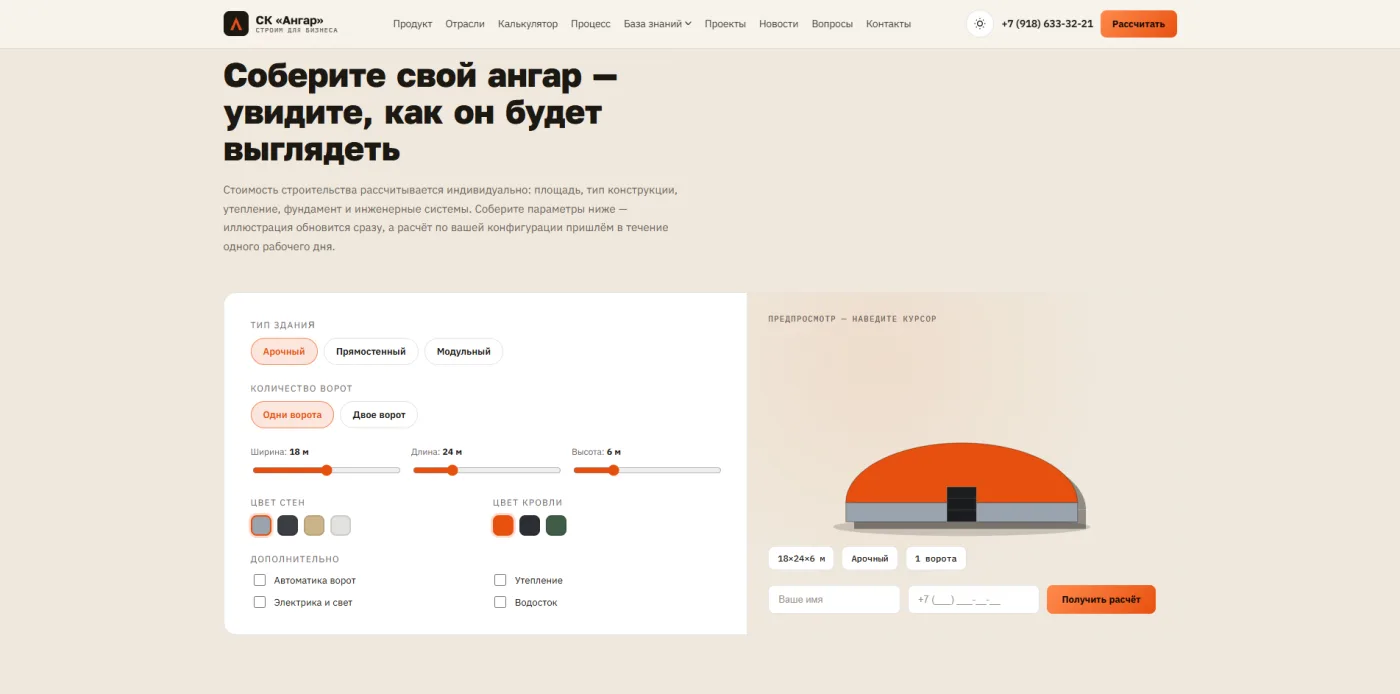
Three findings worth remembering
A subdomain needs two edits, not one
A new city subdomain requires edits in two places in the nginx config — the server_name list and a separate map $host $city_dir. Forgetting the second one meant half a day debugging 404s that looked baseless, even though nginx was honestly matching the domain.
rsync silently collapses multi-source paths
rsync with several source directories in one command silently collapses them into a shared destination folder. One careless deploy temporarily buried the site's homepage under the glossary page.
Never force-resize without checking ratios
Article banners arrived with different source aspect ratios. Force-resizing to one grid of sizes would have quietly distorted part of the images if each one hadn't been checked individually.
Structured data, not decoration
- ◆Article / FAQPage / BreadcrumbList JSON-LD on every knowledge-base page
- ◆a unique og:image per article instead of one shared image for the whole site
- ◆articles were written around exact phrasings from Google Search Console, not “about the topic in general” — with a plan to check impressions and clicks a few weeks after publishing
- ◆internal linking isn't a checkbox: every new article deliberately links to 4–6 already-published ones, forming a cluster instead of a scattered list of texts
What we found and fixed on the live site
- ◆Found and explained why content was invisible to crawlers (innerHTML instead of static markup) — fixed on the client's side
- ◆Untangled a Yandex.Webmaster robots.txt error down to a wildcard DNS record (*.skangar.ru) and vhost configuration
- ◆Found and assessed the risk of the old WordPress geo-network (a doorway pattern) — chose not to revive it in its old form
- ◆Ran a full technical audit of the new site: confirmed honest content delivery to every user agent (no cloaking), checked redirects, canonicals, meta tags
- ◆Found a navigation desync and a soft 404 on /znaniya/dokumenty/
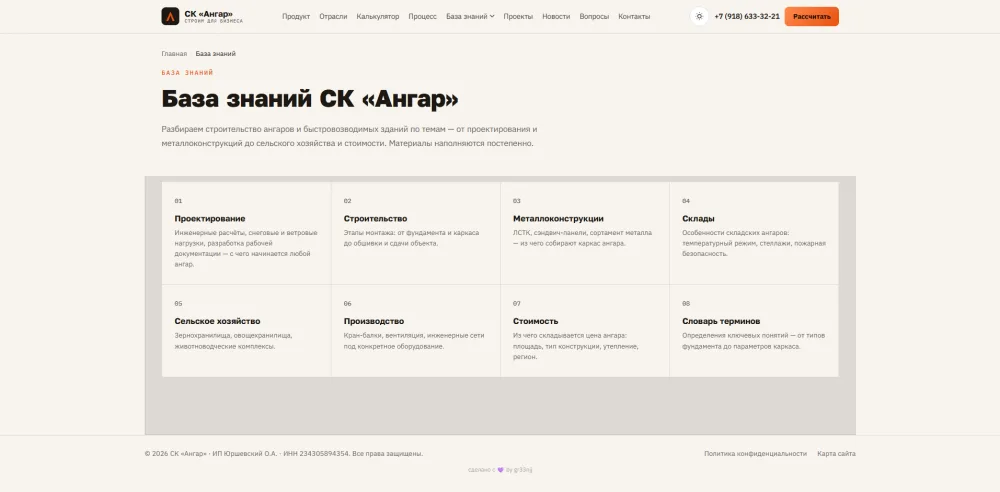
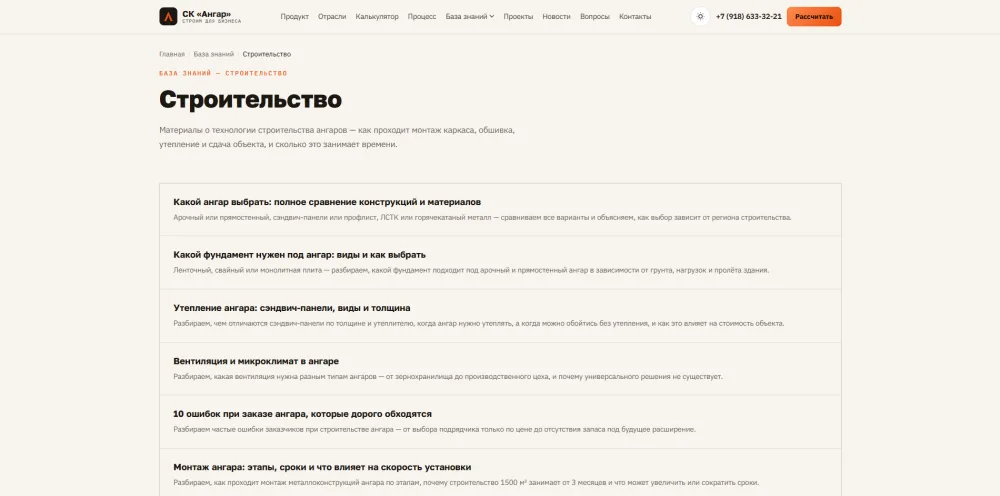
12 knowledge-base articles (and counting)
Each one shipped with meta data, a mini-FAQ, glossary terms extracted into the dictionary (~35–37 terms accumulated), and live internal linking between articles.
A site that finally answers real queries
75 live city pages, 13 knowledge-base articles with working internal linking, the entire knowledge base marked up with structured data — a site that finally answers real queries instead of just presenting the company.
A landing page is just the entry point. The real work begins when it turns out one page isn't enough, and you need to design a system that grows without architectural debt — even if you have to rebuild the process from scratch twice along the way.
Need the same kind of content infrastructure?
I'll look at your query map and tell you honestly whether you need a redesign or a system like this one.